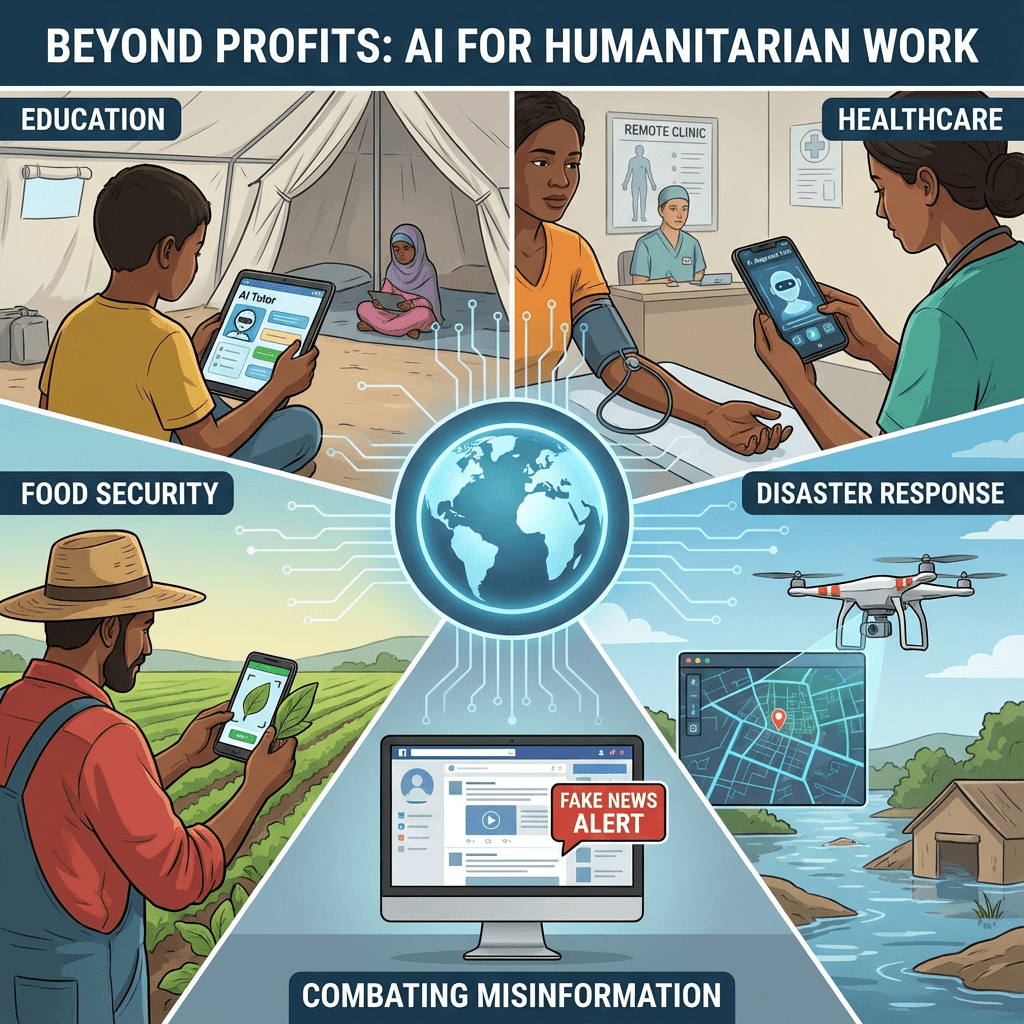
You’re on the front lines of education. You work in a community where resources are scarce, but the desire to learn is limitless. You see the challenges every day: overcrowded classrooms, a lack of relevant teaching materials, and a diverse range of student learning needs.
Technology often feels like a luxury you can’t afford, a world away from the realities of your classroom. But what if the most powerful new tool was practically free?
This guide is for you. It’s a no-nonsense, practical playbook on how to use free and low-cost AI tools to create customized learning materials, translate content, and build simple assessments—even with limited technical skills. You don’t need a fancy computer lab; you just need a smartphone and a passion for teaching.
1. Create Infinite, Localized Stories with ChatGPT
The Challenge: Children learn best with stories and examples that reflect their own culture, environment, and lives. But finding—let alone affording—books set in their local context is often impossible.
The AI Workflow: Use a free tool like ChatGPT to become an infinite storyteller, generating culturally relevant tales in seconds.
The Prompt:
“Act as a children’s storyteller. I need a short, simple story for a 7-year-old that teaches a basic lesson about ‘the importance of sharing.’
The story must be set in ‘a small, rural village in the mountains of Peru.’ The main characters should be two children named Mateo and Sofia. The story should include familiar local elements like llamas and quinoa fields.”
The Impact: With one prompt, you can create a library of relatable, localized educational content. You can change the lesson, the setting, and the characters to perfectly match your students’ world, making learning more engaging and effective.
2. Translate and Simplify Any Document with Claude
The Challenge: You find a fantastic online resource—a science worksheet, a health guide, a technical manual—but it’s in English or another language your students don’t speak. The knowledge is there, but it’s locked away.
The AI Workflow: Use an AI tool with a large “context window” like Claude, which is excellent at handling and translating large blocks of text.
The Prompt:
“I am pasting a short educational text about the water cycle below. Please do two things:
- Translate the entire text into ‘Tagalog.’
- After translating, simplify the language in the Tagalog version to be easily understood by a 10-year-old who is an average reader.”
[Paste the English text here]”
The Impact: This simple process breaks down language barriers. You can make the world’s knowledge accessible to your students, adapting complex topics into simple, understandable lessons in their native tongue.
3. Generate Quizzes and Worksheets in Minutes
The Challenge: Creating effective quizzes and worksheets to check for understanding is a time-consuming, manual process.
The AI Workflow: Use ChatGPT to generate questions based on your lesson, then use a free tool like Google Forms to create the quiz.
The Prompt:
“I just taught a lesson based on the story you helped me create about Mateo and Sofia learning to share.
To help me create a worksheet, please generate 5 simple multiple-choice questions that will check if the students understood the main lesson of the story. For each question, provide 3 possible answers, with only one being correct.”
The Action: In seconds, you have a ready-made quiz. You can copy these questions into a simple Google Form to create a digital test or paste them into a document for a printable worksheet.
4. Create Custom Visual Aids with Canva’s AI
The Challenge: Visuals are critical for learning, especially for younger children or students with different learning styles. But you don’t have a graphic designer, and stock photo libraries are expensive and often lack relevant images.
The AI Workflow: Use the free “Text to Image” app inside Canva to generate an unlimited supply of custom illustrations for your lessons.
The Prompt (inside Canva’s Text-to-Image app):
“A simple, colorful cartoon illustration for children, showing two kids, a boy and a girl, happily sharing a piece of fruit under a big tree. The style should be flat, friendly, and vibrant.”
The Impact: You can create custom images for any story, concept, or lesson. This allows you to build a visually rich and engaging learning environment for your students at zero cost.
Conclusion: The Power in Your Hands
You don’t need a big budget or a team of developers to bring the power of AI to your classroom. With a few clever prompts and free tools, you can become a content-creation powerhouse for your students.
Technology is at its best when it serves humanity, closing gaps and creating opportunities where there were none.
Start with one of these workflows this week. The impact you have on a single student’s learning journey is immeasurable. You have always had the passion and the dedication. Now, you have the tools.
Manager's Recommendation: Build Custom AI Agents
If you want to turn your data into a custom AI agent for your business without writing code, CustomGPT.ai is the most powerful solution available today.
Build Your AI Agent →Ready to Master AI in 28 Days?
Take the next step in your professional journey with our structured, step-by-step roadmap designed specifically for non-technical founders and professionals.
Start the 28-Day Plan →Recommended hosting (what I use)
If you’re building a WordPress site, Hostinger is a solid budget-friendly option.
Disclosure: This is a referral link (supports the site at no extra cost to you).